
Returning to the office—or managing a hybrid work schedule—presents unique acoustic challenges when you wear hearing aids. Conference calls through tinny laptop speakers, open-plan background chatter, and last-minute meeting room changes can all compromise speech clarity, even with well-fitted devices. The good news is that modern hearing aids, when properly programmed and paired with the right accessories, can transform your workplace communication. This guide explores evidence-based strategies and practical adjustments that help ensure your hearing technology works as hard as you do.
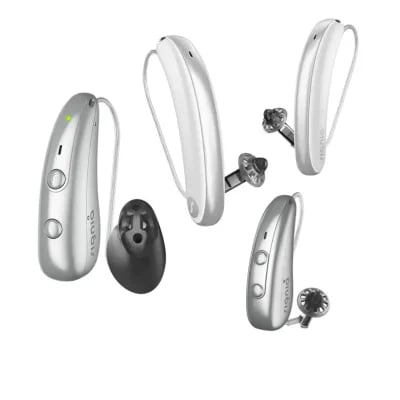
For work settings such as meetings, calls, and hybrid offices, top hearing aids excel with superior speech-in-noise processing, reliable Bluetooth streaming for direct audio to both ears, hands-free calling, and accessories for room microphones.
Top Picks for Work Performance
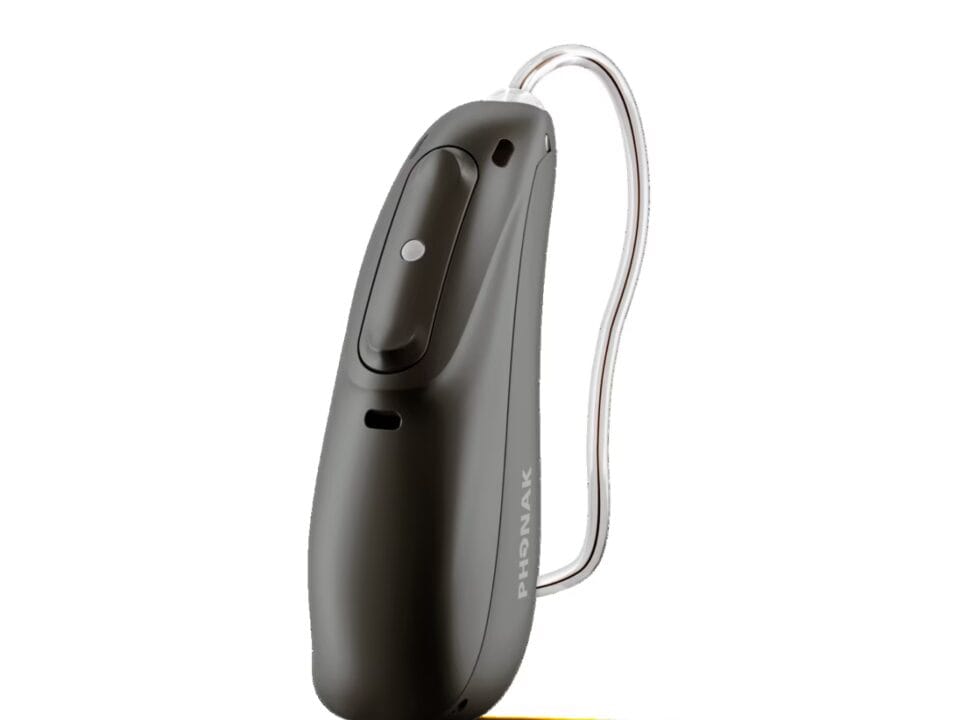
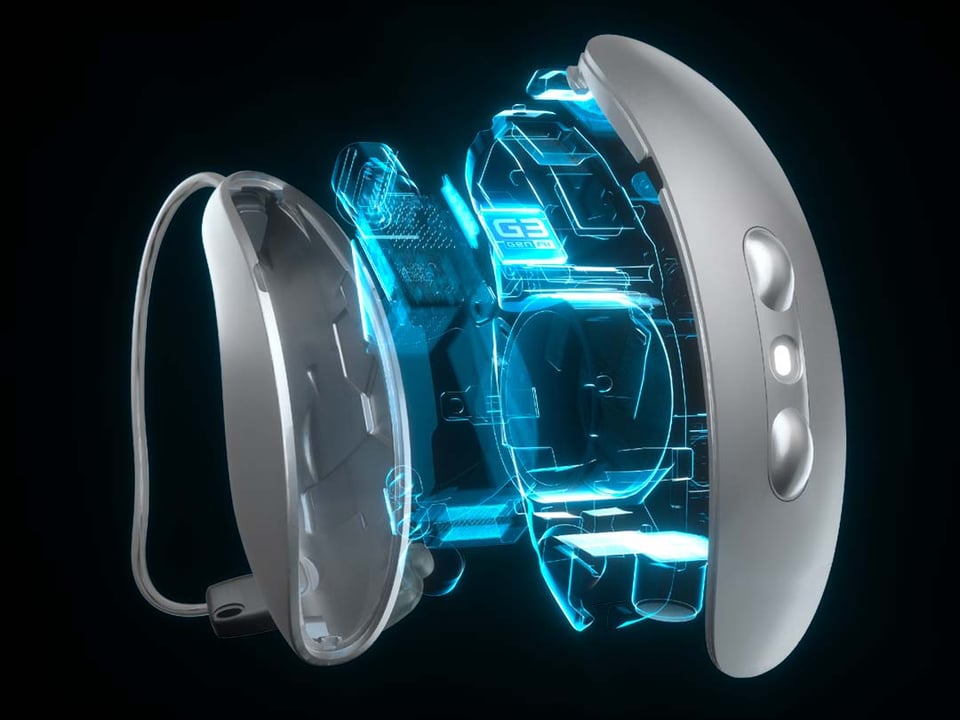
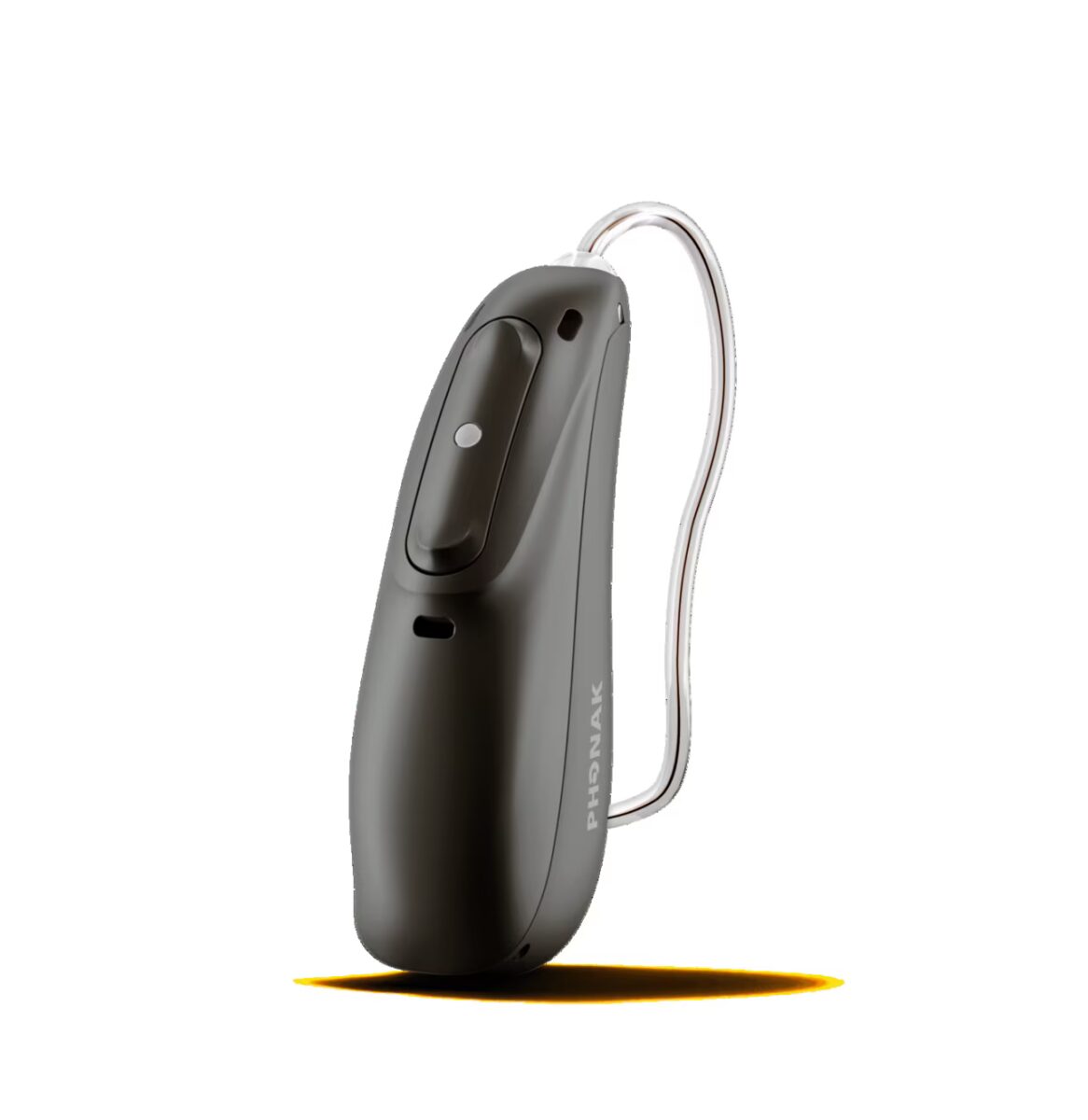
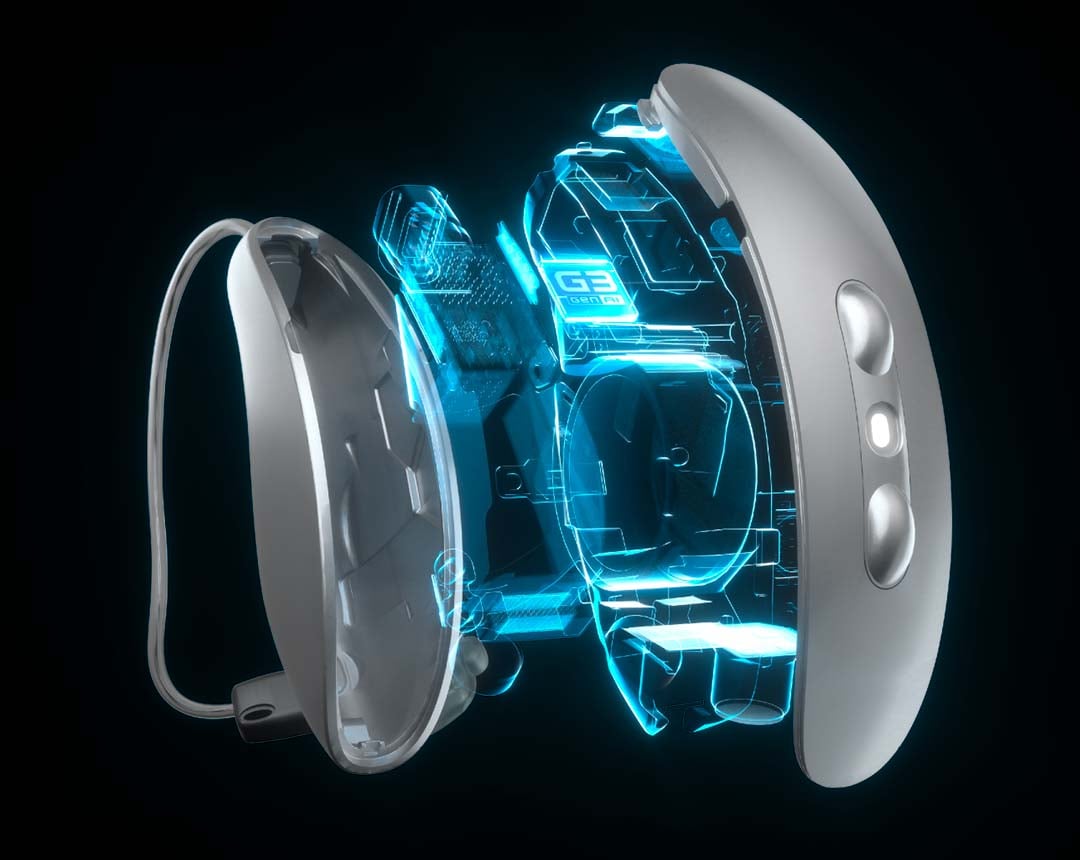
Phonak Audéo Sphere Infinio (or Ultra Sphere) leads due to its DEEPSONIC AI chip, which delivers the highest lab-tested speech clarity in noise (up to 10 dB signal improvement and 2-3x better understanding from any direction). It supports universal Bluetooth for iOS/Android (up to 8 devices, 2 active), hands-free calling, IP68-rated durability for office use, and seamless switching between phone/laptop—ideal for hybrid calls and noisy rooms.
Oticon Intent ranks close behind, with DNN 2.0 AI (trained on 12M+ sounds), 35% more speech cues, strong streaming, 4D sensors for head-tracking in meetings, and fast charging. It’s well-suited if you prioritise natural sound and reduced fatigue during long days.
Bluetooth and Streaming Comparison
| Model | Hands-Free Calls (iOS/Android) | Devices Supported | Battery Life | Work Accessory Fit |
|---|---|---|---|---|
| Phonak Sphere Infinio | Yes/Yes (universal) | 8 (2 active) | 16 hrs | Roger mics for rooms |
| Oticon Intent | Yes/Yes | Multiple | 24 hrs | Remote mics |
| Jabra Enhance Select | Yes/Yes | Multiple | 30 hrs | App-based programs |
| Starkey Edge/Omega AI | Yes/Yes | Multiple | 51 hrs | Health tracking bonus |
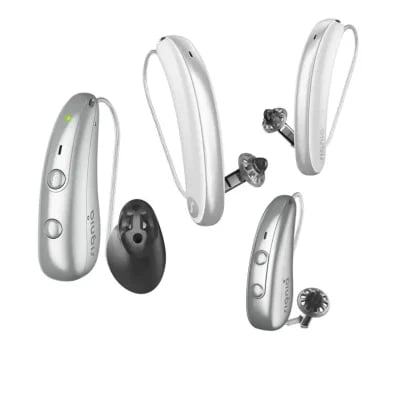
| Signia Active Pro IX | Yes/iPhone (Android w/ mic) | LE Audio ready | 28 hrs | RTCE for multi-speaker |
Why These Suit Hybrid Work
These models excel in your scenario because they stream meeting audio (Teams/Zoom) directly, reducing echo and improving focus over speakers. Pair with table mics (e.g., Phonak Roger) for in-person/hybrid rooms to capture speakers at a distance/noise. Prescription versions like Phonak/Oticon offer custom fitting for all-day comfort, while OTC like Jabra provide quick trials (100 days). Test in real office noise during a trial, and prioritise models with “Work/Meeting” programs in their apps to improve directional focus.
Understanding the workplace acoustic challenge
Modern workplaces are rarely built for speech intelligibility. Reverberation from hard surfaces, HVAC hum, keyboard clatter, and overlapping conversations create what audiologists call an unfavourable signal-to-noise ratio: the difference between the speech you want to hear and the background noise you don’t. Research consistently shows that even mild hearing loss affects performance in these environments, reducing comprehension, increasing listening effort, and leading to end-of-day fatigue.
Hearing aids address this challenge through directional microphones, noise reduction algorithms, and frequency-specific amplification. But the factory-default programming in your devices may not account for the specific demands of video conferencing software, speakerphone dynamics, or the echoey boardroom on level three. This is where Real Ear Measurement (REM) becomes important. REM verifies that your hearing aids deliver the prescribed amplification in your ear canal, taking into account its unique shape and resonance. At The Audiology Place, we use probe-tube verification during every fitting to ensure targets are met across the frequency range. It’s a step that genuinely improves real-world outcomes compared with the manufacturer’s “first fit” alone, and it matters because we’re not tied to any manufacturer’s default assumptions about what “good enough” looks like.
Even perfectly verified hearing aids benefit from environmental troubleshooting. Let’s explore the practical adjustments that bridge the gap between clinical programming and workplace performance.
Pairing your hearing aids to laptops and smartphones
Most modern hearing aids offer Bluetooth connectivity, but compatibility varies by platform and operating system. Apple devices typically support direct streaming via the Made for iPhone (MFi) protocol or the newer Bluetooth LE Audio standard, enabling calls, meeting audio, and system sounds to stream directly to both hearing aids. This eliminates the acoustic path between your device’s speaker and your hearing aid microphones, thereby bypassing room echo and delivering a cleaner signal.
For Windows laptops, the experience depends on your hearing aid generation. Devices supporting Bluetooth LE Audio or classic Bluetooth profiles may pair directly, though some manufacturers still require a proprietary streaming accessory that clips to your collar or sits on your desk. Android compatibility has improved markedly with support for the Audio Streaming for Hearing Aids (ASHA) protocol, now standard in Android 10 and later.
Practical pairing steps:
- Consult your hearing aid manufacturer’s compatibility chart before assuming direct streaming will work
- Keep the firmware on both your hearing aids and your computer up to date. Many connectivity bugs are resolved in software patches
- When pairing, place the hearing aids in pairing mode (usually by restarting them in their charger) and ensure your laptop’s Bluetooth is discoverable
- Test audio routing before your first important call: play a video, confirm sound reaches both ears, and check for dropouts
If direct streaming isn’t possible or introduces latency, consider using your hearing aids in microphone mode while positioning an external USB speakerphone strategically. This hybrid approach often outperforms laptop speakers alone.
Microphone placement and desk acoustics
When you’re not streaming audio directly, your hearing aids rely on their built-in microphones to capture sound. In video calls, that sound originates from your laptop speaker, bounces off your desk, and competes with keyboard noise and room reverb before reaching your ears.
Small changes in your physical setup yield measurable improvements. Position your laptop screen at eye level and slightly forward so the speakers face you rather than down at the desk. If possible, add a fabric desk mat or mouse pad to absorb reflections. For external speakers, place them symmetrically at ear height, forming an equilateral triangle with your head. The classic stereo arrangement minimises phase cancellation and makes speech crisper.
Many audiologists recommend a dedicated USB speakerphone with built-in echo cancellation for hybrid workers. These devices separate the microphone (which picks up your voice) from the speaker (which plays your colleagues’ voices), reducing the risk of feedback and giving you independent volume control. Models with a mute button you can feel without looking are particularly valuable, as hearing aid wearers sometimes find on-screen mute indicators easy to miss in the flow of conversation.
Remote microphones in boardrooms and group settings
Speech understanding deteriorates rapidly with increasing distance from the speaker, particularly when multiple people speak in turn. Remote microphone accessories (sometimes called partner mics or table mics) address this by placing a high-quality microphone closer to the talker and wirelessly streaming the audio directly into your hearing aids.
In a boardroom, a centrally placed table microphone captures contributions from around the table with 360-degree pickup. Some models feature automatic beam-forming that prioritises the active speaker, while others offer zone control via a smartphone app. The result is a massive improvement in signal-to-noise ratio: the person speaking might be four metres away in a reverberant room, but the audio reaching your ears sounds as though they’re right beside you.
These accessories do require colleagues to understand their purpose. A brief, matter-of-fact explanation (“This mic helps me follow the conversation more easily”) is usually all that’s needed. Most people appreciate the transparency and will adjust their habits accordingly, such as speaking toward the device rather than shuffling papers over it.
Platform-specific tips for video calls
Different conferencing platforms handle audio differently, and small software adjustments improve compatibility with hearing aids.
Microsoft Teams: In audio settings, disable automatic gain control and, if available, enable “high fidelity music mode”. This preserves speech dynamics rather than compressing them. If using direct streaming, select your hearing aids as the output device and keep your laptop mic as the input, as hearing aid microphones rarely perform well for outbound speech in noisy rooms.
Zoom: The “original sound” option (under advanced audio settings) bypasses aggressive noise suppression, which can make speech sound hollow or robotic to hearing aid users. Turn off the setting that automatically adjusts volume, as it can conflict with your hearing aid’s own compression.
Google Meet: Meet’s noise cancellation is generally hearing-aid-friendly, but if voices sound unnatural, toggle it off in settings. Use wired headphones as a troubleshooting step if you experience dropouts. Some Bluetooth implementations introduce latency that makes lip-reading difficult when video and audio fall out of sync.
Across all platforms, test your setup during a low-stakes call or using the platform’s test feature. Confirm that you can hear clearly, that your microphone picks you up without feedback, and that latency doesn’t hinder natural conversation flow.
Etiquette and communication with colleagues
Workplace hearing strategies succeed when your team understands and respects them. Open communication about your hearing needs isn’t a weakness. It’s a professional courtesy that improves efficiency for everyone. Consider a brief conversation with your manager and close colleagues that covers a few key points: you may occasionally ask for repetition; you benefit from advance agendas so you can prepare for topic shifts; and you appreciate visual cues to get your attention before speaking rather than calling out from behind.
In meetings, position yourself with a clear line of sight to the speakers’ faces. Speechreading, even subconsciously, provides information that enhances what your hearing aids deliver. If someone is difficult to understand, advocate for solutions that help the whole group: “Could we turn off the air con? I think the background noise is making it hard for everyone to hear.”
Australian workplaces are governed by the Disability Discrimination Act 1992, which requires employers to make reasonable adjustments for workers with hearing loss. Reasonable adjustments might include providing captioning for internal videos, choosing quieter venues for team events, or allowing you to join meetings remotely when acoustics are poor. These aren’t special favours. They’re legal rights that support equal access.
Accessibility rights and assistive tools
Live captioning (now built into Teams, Zoom, and Meet) provides a text alternative that many hearing aid users find helpful during complex discussions or when multiple people speak rapidly. Accuracy has improved with recent AI advances, though technical jargon and strong accents still pose challenges.
For larger company events, request CART (Communication Access Realtime Translation) services, which provide human-generated captions with near-perfect accuracy. Some organisations also offer Auslan interpreters or hearing loops in auditoriums and conference rooms. Infrastructure that benefits not just employees but clients and visitors.
If you’re struggling at work despite well-fitted hearing aids, book a follow-up appointment with your audiologist. Workplace-specific programming adjustments (such as increasing high-frequency gain for female voices or adjusting noise-reduction settings) can make a real difference. At The Audiology Place, we also conduct speech-in-noise testing that simulates workplace conditions to help identify whether further intervention, such as assistive devices or communication skills training, is warranted. Because we’re not pushing specific manufacturer solutions, we can recommend what actually works for your situation rather than what we’re incentivised to sell.
A final note: information, not medical advice
This article provides general guidance based on current best practices in audiology and workplace accessibility. It’s not a substitute for individualised care from a qualified clinician. Hearing needs vary widely based on your hearing loss profile, work environment, and the technology you use. If you’re experiencing persistent difficulties at work, request a thorough review that includes verification measures, real-world troubleshooting, and a discussion of your professional communication needs.
Modern hearing aids, paired with thoughtful workplace strategies and the right accessories, can deliver clear, comfortable communication throughout your working day. With proper programming, practical adjustments, and open dialogue with colleagues, you can focus on your work instead of straining to hear it.
Always read the instructions for use. Follow the instructions for use.